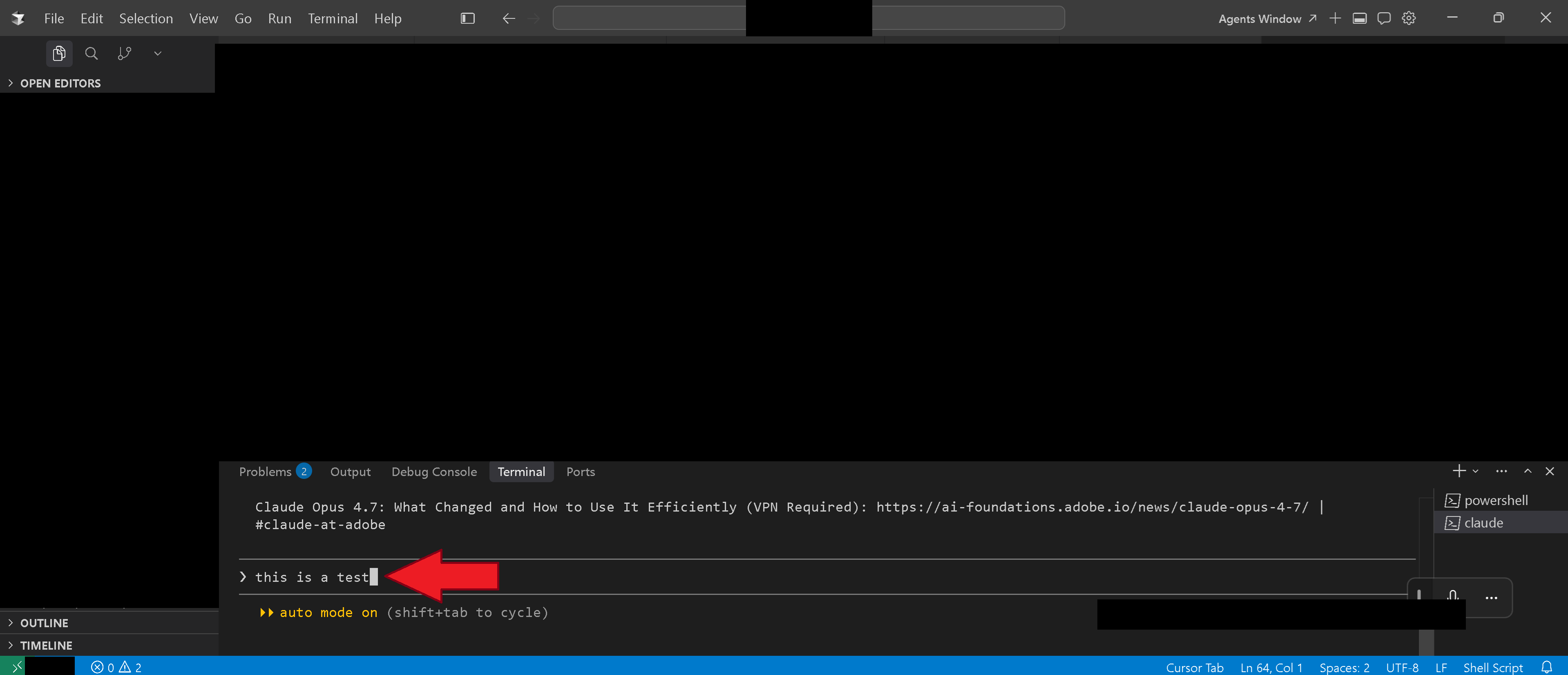
I’m using Claude Code (v2.x) in the Cursor IDE integrated terminal on Windows 11 25H2 Pro x64. When I’ve typed a prompt into the input box but haven’t sent it yet, I want to extract that text cleanly to the system clipboard, e.g., to save as a template, reuse in another session, or share verbatim. How do I copy the unsent prompt text from Claude Code’s input buffer to the clipboard with keyboard shortcut(s) only?
Example of unsent prompt text in Claude Code’s input buffer: