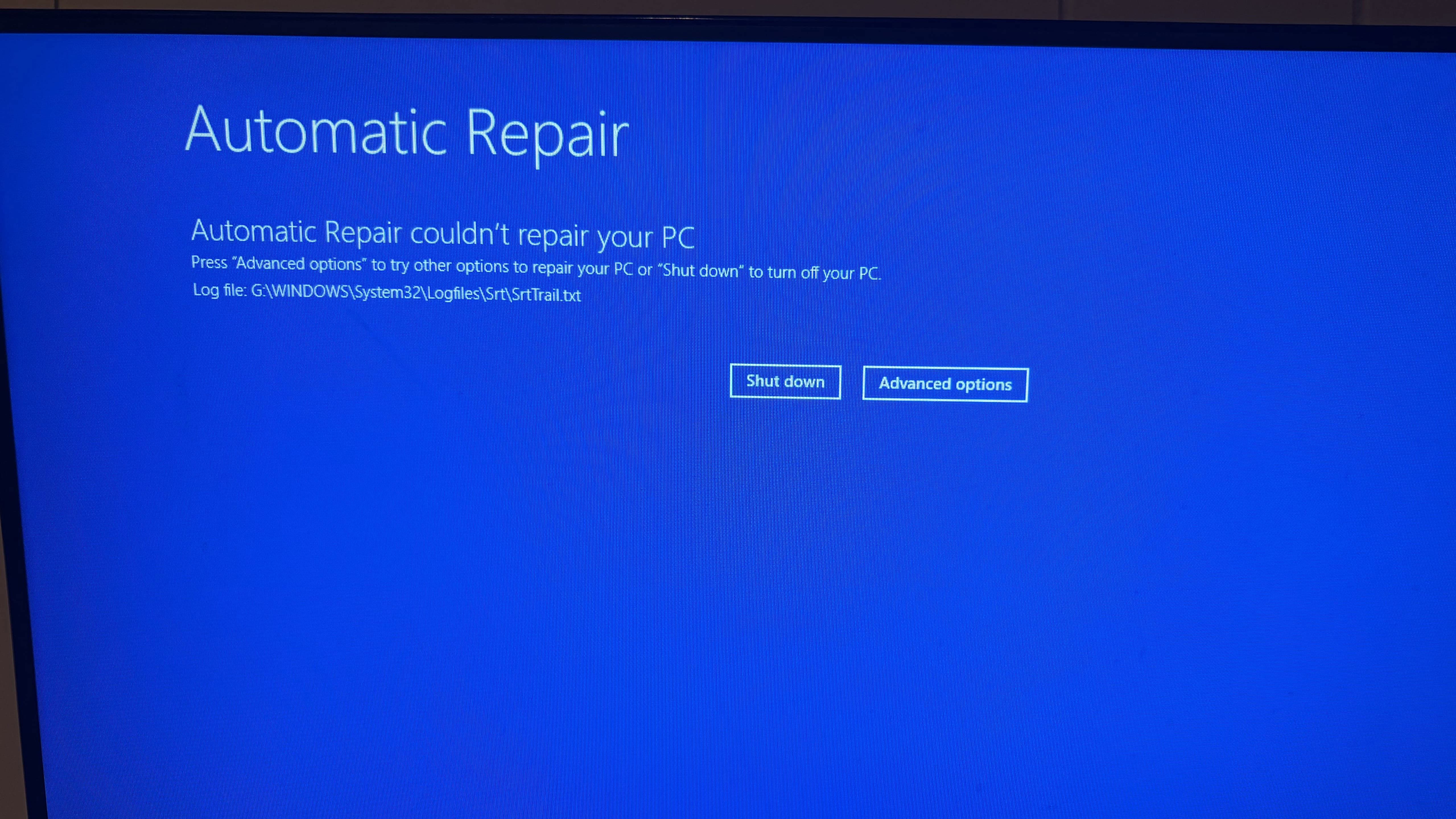
My Windows 11 PC is failing to boot with the stop code NTFS_FILE_SYSTEM (0x24). When I try to do an automatic repair, it fails with “Automatic repair couldn’t repair your PC” and says it left a log file in GWINDOWSSystem32LogfilesSrtSrtTrail.txt.
I can’t boot into Windows and I didn’t see an option in the troubleshooting menu to view the log file contents. When I open the CMD in advanced options the path defaults to X:WindowsSystem32. When I try switching to G:, it says “The file or directory is corrupted and unreadable.” I booted into Ubuntu to mount my Windows drive, but it failed with “wrong type, bad option, bad superblock on (drive name), missing codepage or helper program, or other error”.
Also worth noting I have Windows installed on my C: drive. I’m unsure what the G: drive is referring to.
How can I access the log file from a failed Automatic Repair when Windows is failing to boot?