I have updated my Windows 10 system to Windows 11. And now for all Stack Exchange sites use Cascadia Mono font for code instead of Consolas:
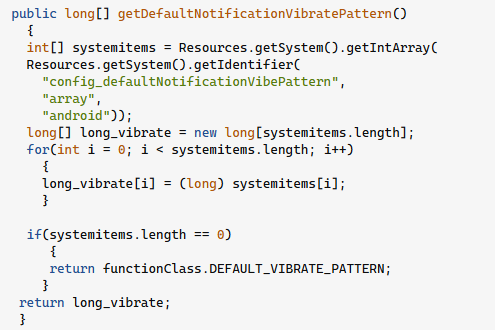
According to Stack Overflow Design site order of used Monospace fonts is
“SF Mono”, SFMono-Regular, ui-monospace, Menlo, Monaco, Consolas,
“Liberation Mono”, “Courier New”, monospace
It seems that ui-monospace is what causes the issues here.
I have done following to solve the problem:
-
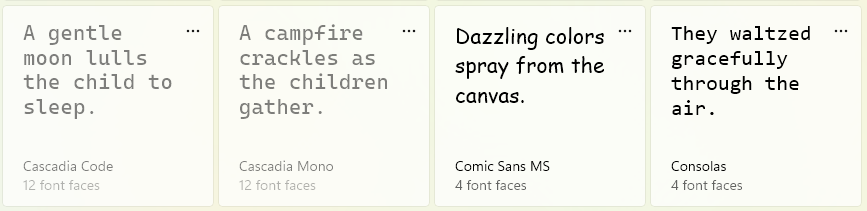
I have disabled Cascadia Mono and In Windows Settings -> Personalization -> Fonts
-
I have set Consolas as default fixed-width font in Chrome

-
I have set font substitutes in Windows Registry under
[HKEY_CURRENT_USERSoftwareMicrosoftWindows NTCurrentVersionFontsFontSubstitutes]
"ui-monospace"="Consolas"
"Cascadia Code"="Consolas"
"Cascadia Mono"="Consolas"
"Fira Code"="Consolas"

But even after doing all that I still see Cascadia Mono in browser.
I am looking for some solution on the Windows level, not a user script that would specifically replace code fonts for Stack Exchange.
