I’ve set up my Unifi controller to assign VLANs by MAC-address as per the Ubiquiti documentation.
But when my Mac comes out of sleep, I get the 802.1x credential dialog. The VLAN allocation works as intended and I can just dismiss the dialog, but I’d like to prevent it from popping up at all.
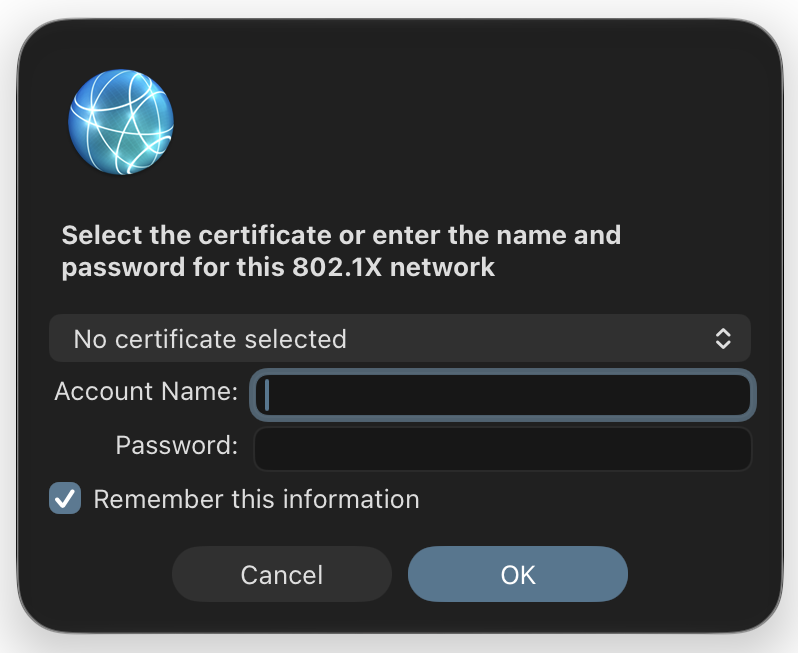
Is there anything I can do at the Unifi side to prevent asking for 802.1x credentials?



