Not sure if that matters, but OS is Win 11, 24H2
This is freshly started admin powershell window, “Current language for non-unicode programs” is set to “English (United Kingdom)”, UTF-8 is set to OFF.
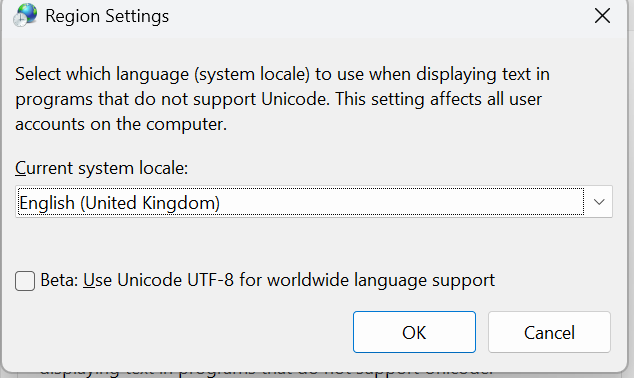
So, following results are not surprising:
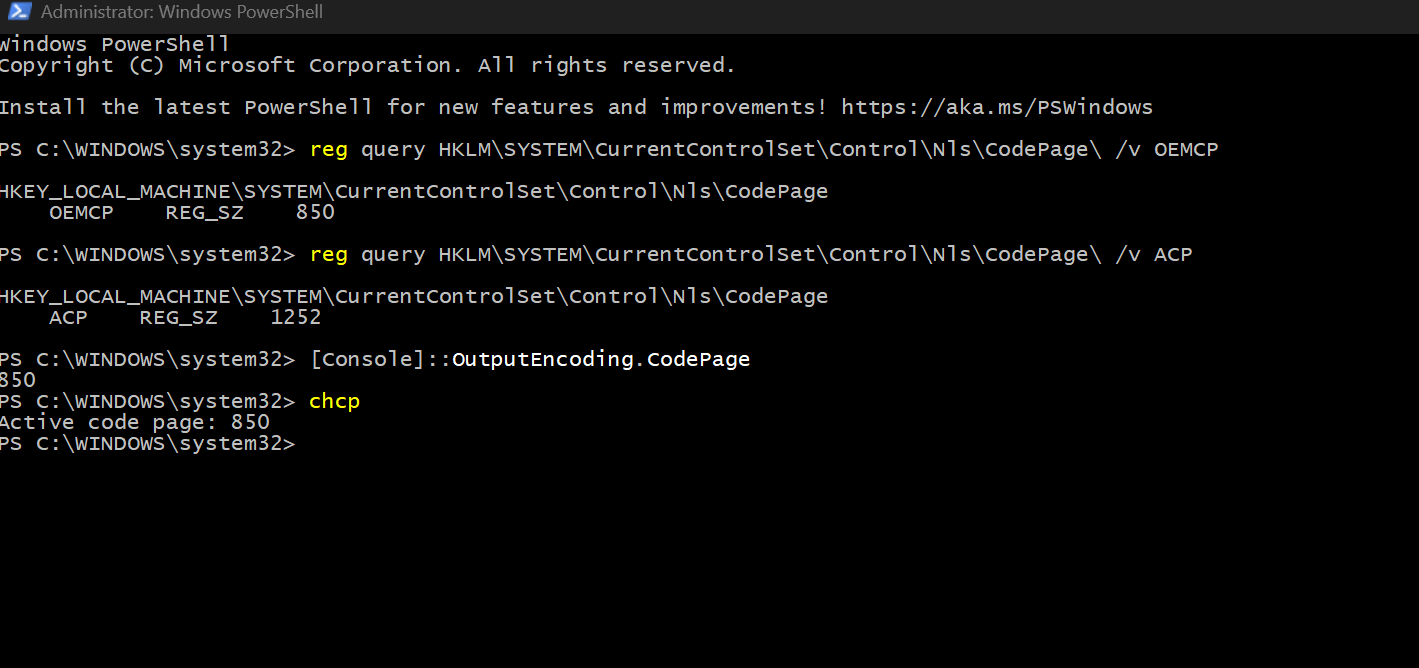
(text description: the screenshot shows ACP and OEMCP registry values, showing respectively codepages 1252 and 850, output of [Console]::OutputEncoding.CodePage showing 850 and finally output of chcp command showing 850 as well)
When going to window properties, the following shows up:
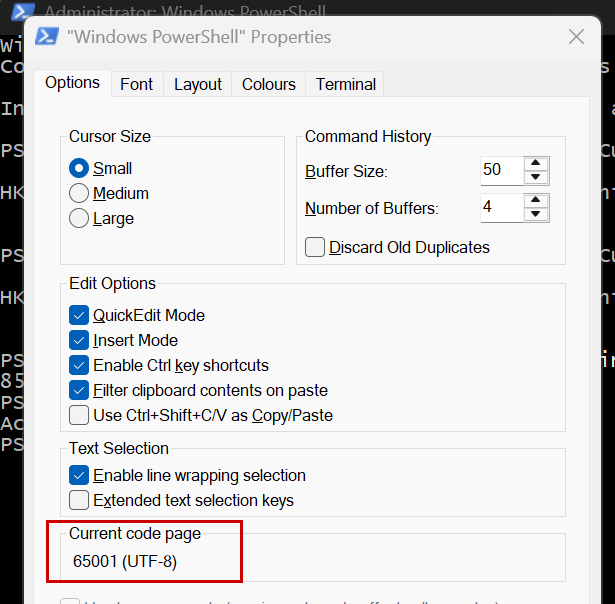
(text description: the properties window shows “Current code page” set to 65001)
I know this means utf-8, but where does powershell command window take this value from?
(To make it even more interesting properties for admin’s CMD show 850)
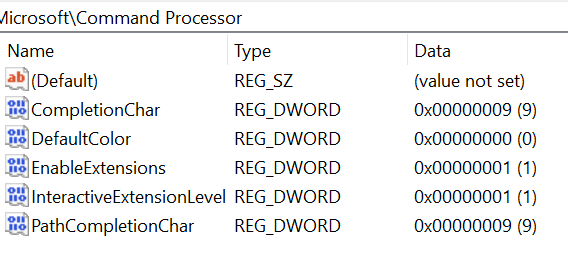
Additional screenshot showing HKEY_LOCAL_MACHINESoftwareMicrosoftCommand Processor