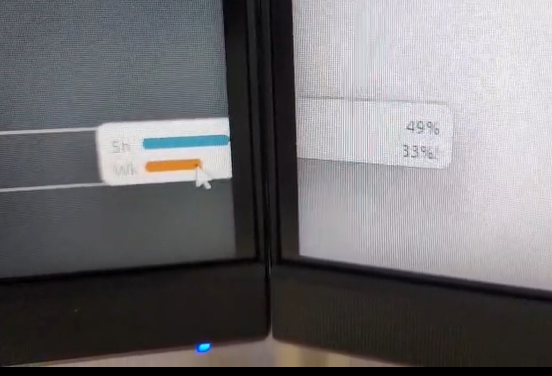
When one of my windows sits between my to monitors they are not vertically aligned.
My cursor travels between the two monitors perfectly fine thanks to little big mouse. In windows settings the monitors are perfectly inline and physically the monitors are in line.
With little big mouse turned off my windows remain the same, but my cursor jumps vertically the same as the windows.
Both Monitors are set to 1980×1080. My laptop is 1980×1200 but not part of the problem.
Is there any way to fix this issue?
OS: Windows 11 Pro 25H2