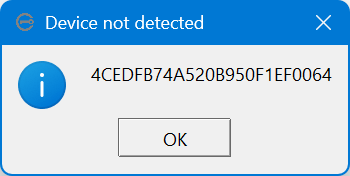
I have just purchased a Kingston IronKey Locker+ 50 (https://www.kingston.com/en/usb-flash-drives/ironkey-lp50-encrypted), an encrypted USB thumb drive. According to the instructions, I need to insert it into a USB port and run the executable in the drive to do the initial setup and assign a password. However, when I do that on my Windows 11 computer, I get a “Device not detected” message and nothing happens (see screenshot).
I have tried this on two different computers and four different USB ports with the same result. The manufacturer’s web site does not provide any information. Can you help? Thanks.
