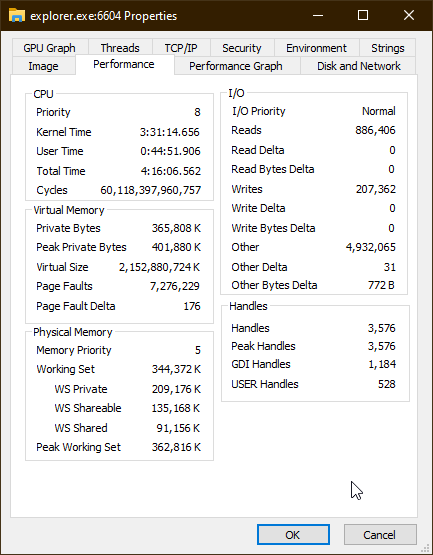
On Windows 10 LTSC, for months I have noticed explorer.exe will occasionally start using about 4% CPU, even when nothing is active.
This becomes noticeable as it causes visible lagginess of any Explorer windows or shell view components in other applications – even typing text becomes noticeably laggy.
Using Process Explorer, I found the main culprit is windows.immersiveshell.serviceprovider.dll.
Restarting Explorer or killing that specific thread resolves the problem until next time.
What might be causing this issue?